IP Address
What an IP address is and why the internet needs one.
What is an IP address?
- An IP address identifies one device on the internet or on a local network.
- IP stands for Internet Protocol, the rules for how data is formatted when it travels over a network.
- The address says where the device sits on the network, so other devices can send data to it.
- Without it, nothing on the network could tell one machine from another.
Versions

IPv4
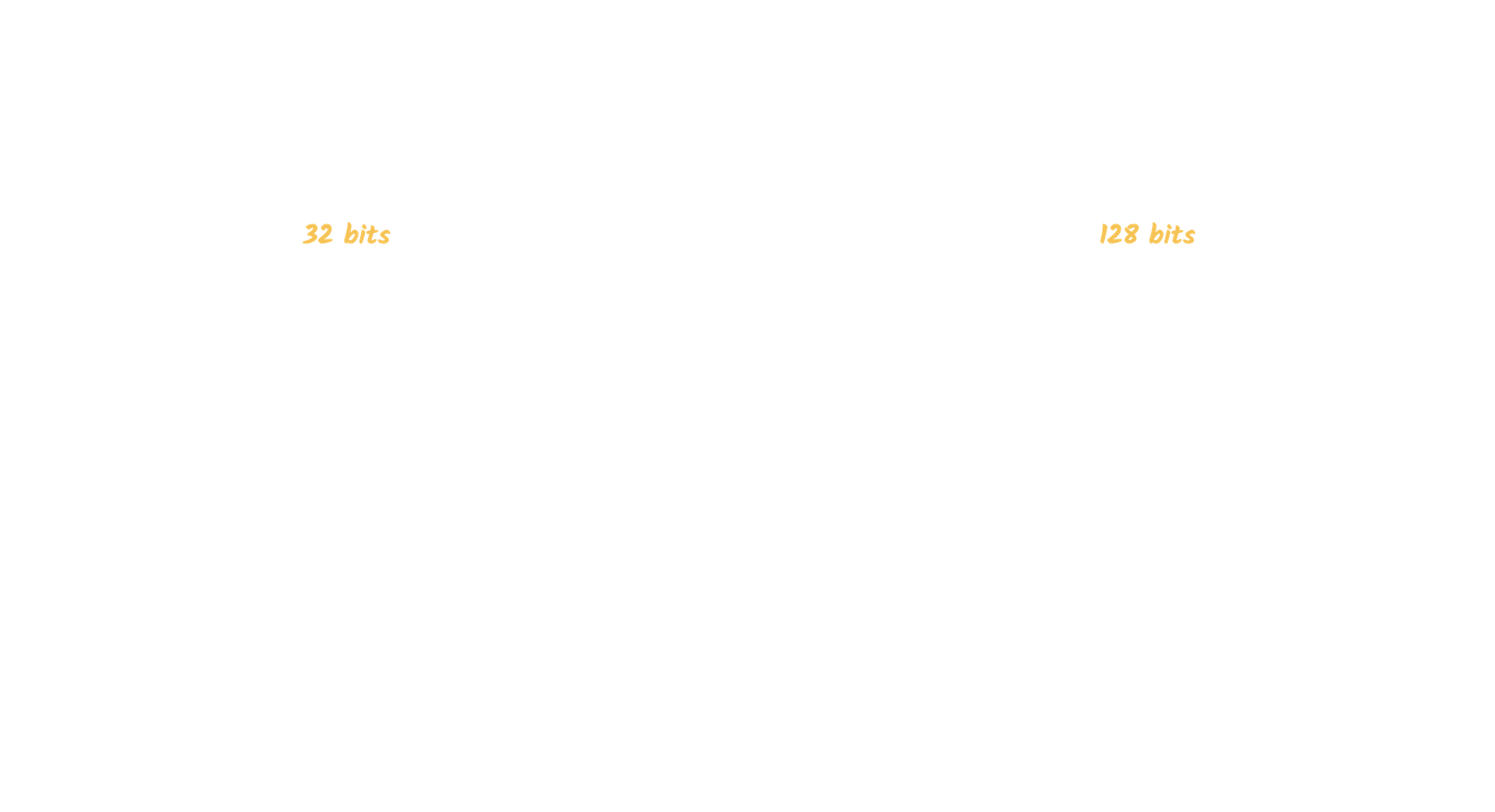
The original version. It uses a 32-bit number written in dot-decimal notation, which gives about 4.3 billion addresses. That was plenty at first, but the internet outgrew it.
102.22.192.181IPv6
The newer version, introduced in 1998. Rollout started in the mid-2000s and is still going.
It uses a 128-bit value written in hexadecimal, which gives about 3.4 x 10^38 addresses. Enough for a long time.
2001:0db8:85a3:0000:0000:8a2e:0370:7334Types
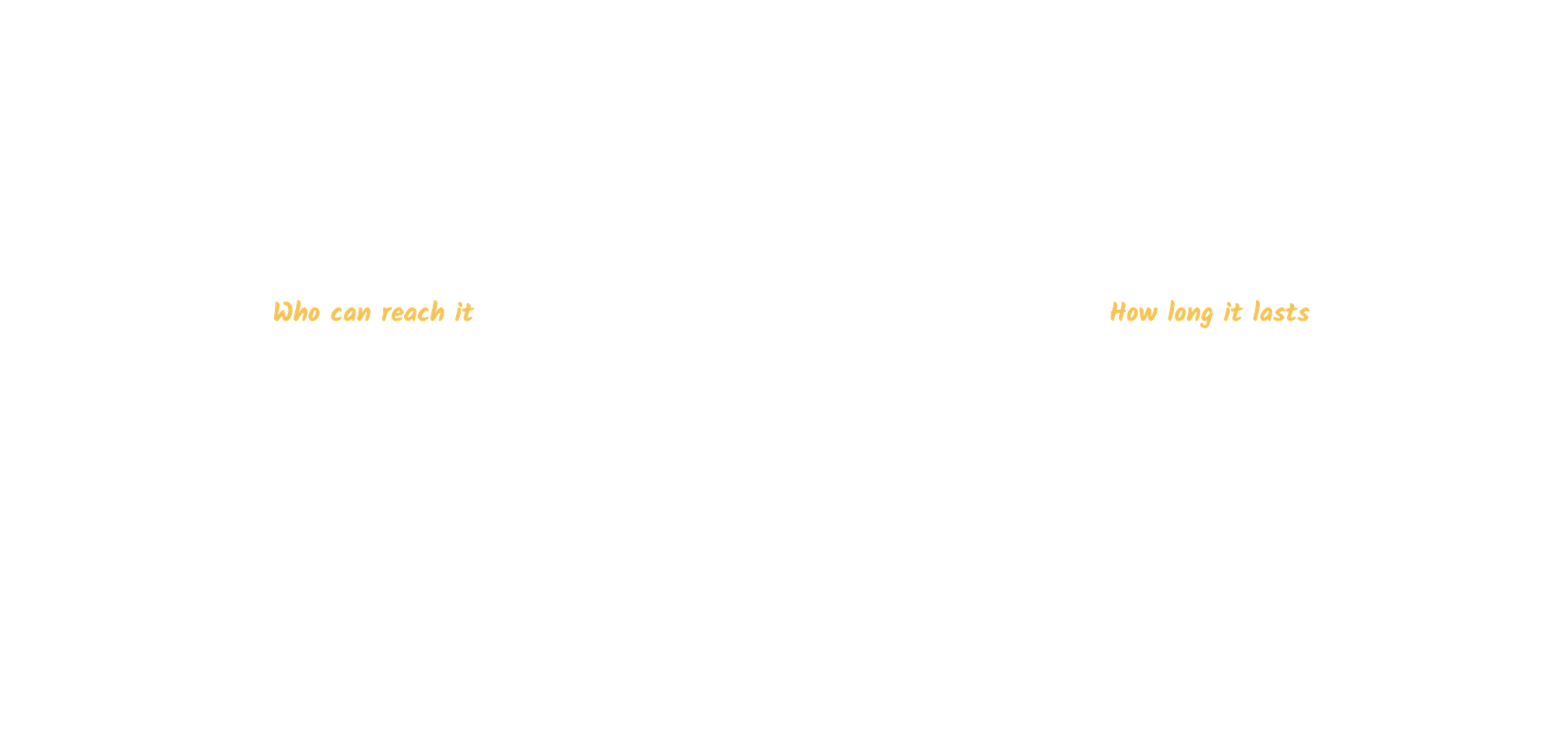
Two separate things get called types here. Public and private is about how far the address reaches. Static and dynamic is about whether it changes. Every address has one of each, so your home connection is usually public and dynamic.

Public
One address for your whole network. Every device behind it goes out to the internet with that same address.
Example: the address your ISP gives your router.
Private
An address for a single device inside your network, like a laptop, tablet, or phone. It is unique inside that network only.
Example: the addresses your home router hands out to your devices.
Static
A static address never changes. It is picked once and saved in the network settings, instead of being handed out fresh each time. ISPs charge extra for one, since that address stays reserved for you.
Example: hosting a server, or reaching a machine remotely.
Dynamic
A dynamic address changes over time. A DHCP server assigns it, short for Dynamic Host Configuration Protocol. This is the most common type because it is cheaper to run and lets a network reuse addresses as devices come and go.
Example: home internet and personal devices.
How public and private fit together
Your ISP gives the router one public IP. The router gives every device in the house a private IP.
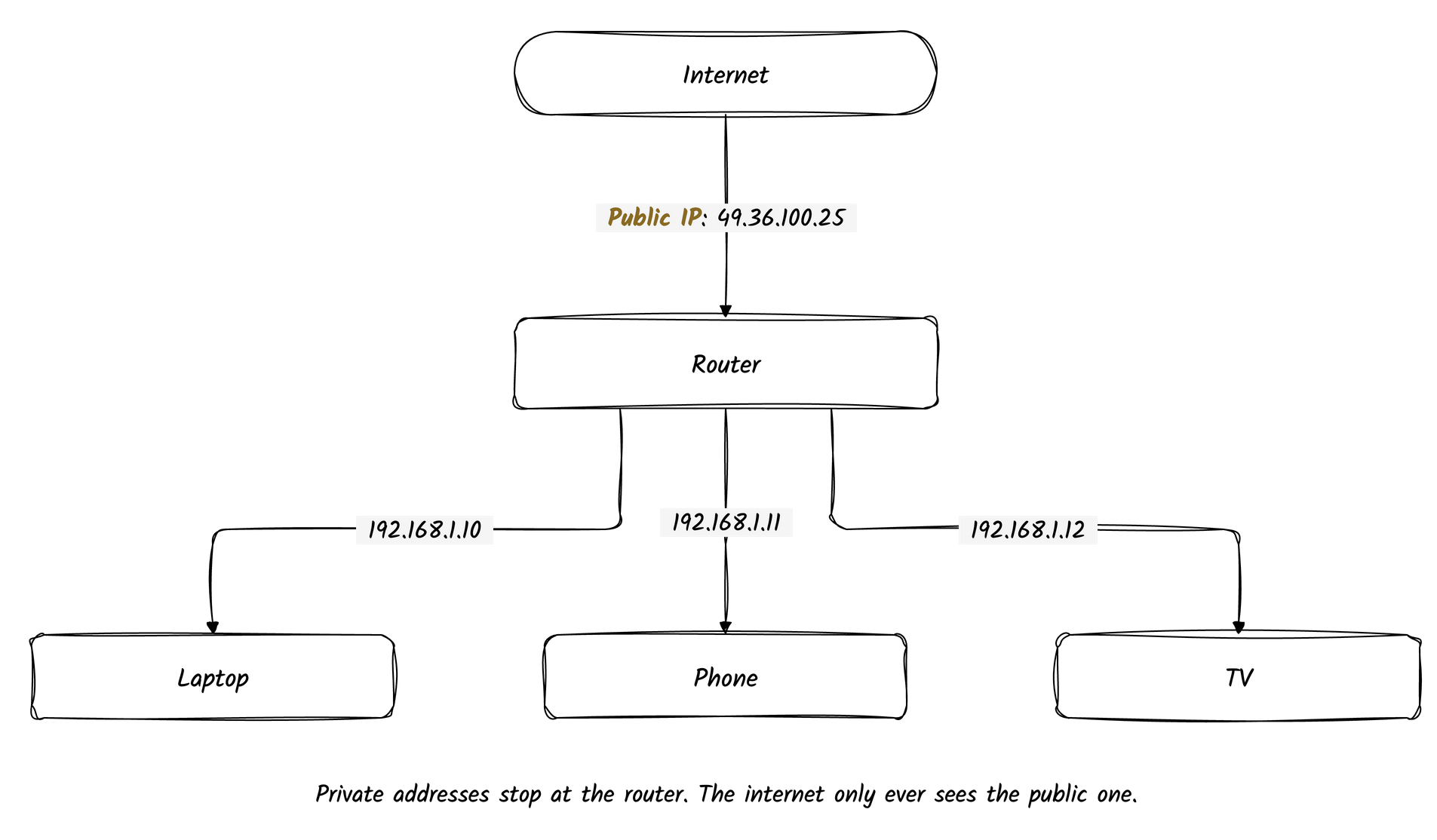
Private IPs cannot be reached from the internet. Traffic always goes out through the router, so a site like Google only ever sees the public IP.
NAT
NAT stands for Network Address Translation. The router swaps addresses on the way out and back, and uses port numbers to tell devices apart.
When the laptop and the phone both open Google, the router notes each one:
Public                Private
49.36.100.25:40001 -> 192.168.1.10:5000   (laptop)
49.36.100.25:40002 -> 192.168.1.11:5001   (phone)
Google replies to 49.36.100.25:40001. The router looks up port 40001 in that
table and sends the reply to the laptop.
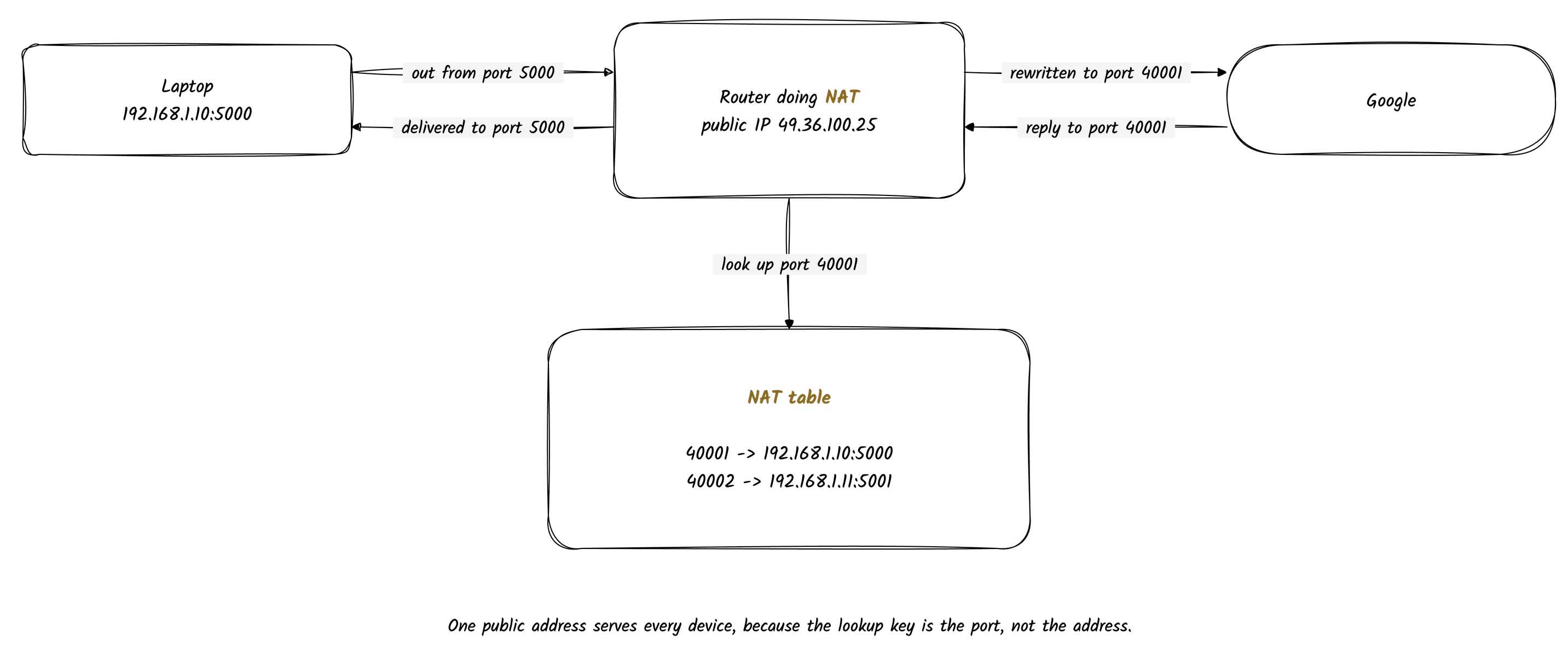
The lookup is public IP plus port, not the IP alone. That is how many devices share one public IP.